Onboarding tutorials in openCARP JupyterLab
You have different options to run the onboarding tutorials in openCARP:
- Our openCARP JupyterHub server
- Local openCARP JupyterLab using Docker on your own computer
All of them have advantages and disadvantages.
| Platform | Advantage | Disadvantage |
|---|---|---|
| JupyterHub | We take care that everything works | You need a login for openCARP GitLab; limited compute resources |
| Local Docker | Using your own resources (likely more than the other options); full control | Need to set up docker and run container |
There is a link to the different options in each of the cards below. If you don't see a link to the local docker version, you don't have it running. Follow the instructions, if you want to run openCARP JupyterLab in a local Docker installation. After the openCARP Docker is running, you should reload this page. If you try the local docker version on a Mac, please don't use Safari, as you wouldn't get a connection to localhost. Firefox or Chrome should work.
If you use the JupyterHub server, you have to sign in to the openCARP GitLab. Follow the link "Sign in with openCARP Gitlab" and then use "Helmholtz AI / AAI". Please search for you home institution (either in English, your language or as abbreviation) and login with your home institution's credentials. Follow the instructions on your home institutions authentication webpage. If you don't find your home institution you can also use and ORCIDid or GitHub account to sign in.
Single Cell Tutorials
The single cell tutorials aim to make you familiar with the command line interface of the single cell electrophysiology simulation program bench to develop single cell experiments. You also will learn basics about carputils. We strongy suggest to go through them in sequence.
Overview page of onboarding tutorials
Instructions on how to work with the JupyterLab tutorials.
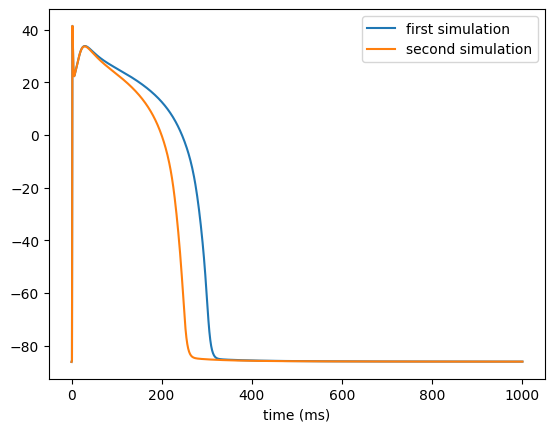
bench basics
The first tutorial familiarizes you with the basic functionality of the ionic model program `bench`.
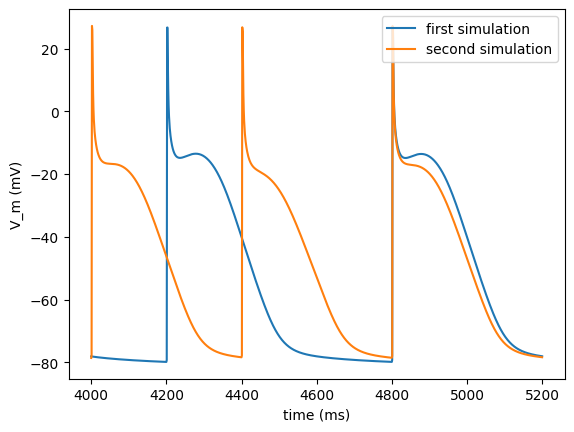
bench control
The second tutorial introduces simulation control features of bench as well as parameters to change the stimulation protocol.
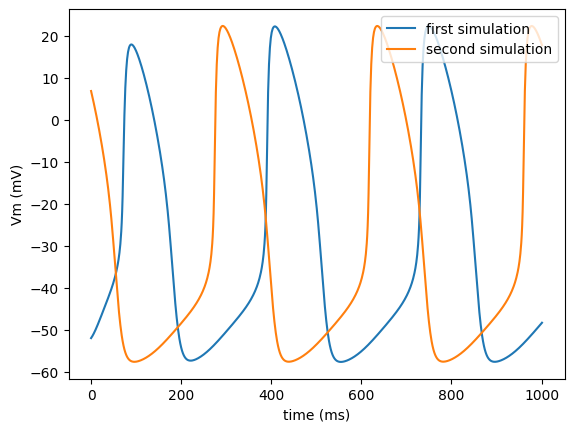
bench: plugins and statefiles
The third single cell tutorial introduces some advanced functionality of the ionic cell model program bench.
Tissue Tutorials
Aim of the tissue tutorials is to make you familiar with the command line interface of the cardiac electrophysiology simuation program openCARP to develop tissue experiments. You will also learn further functionality of carputils. We strongy suggest to go through them in sequence.
Overview page of onboarding tutorials
Instructions on how to work with the JupyterLab tutorials.
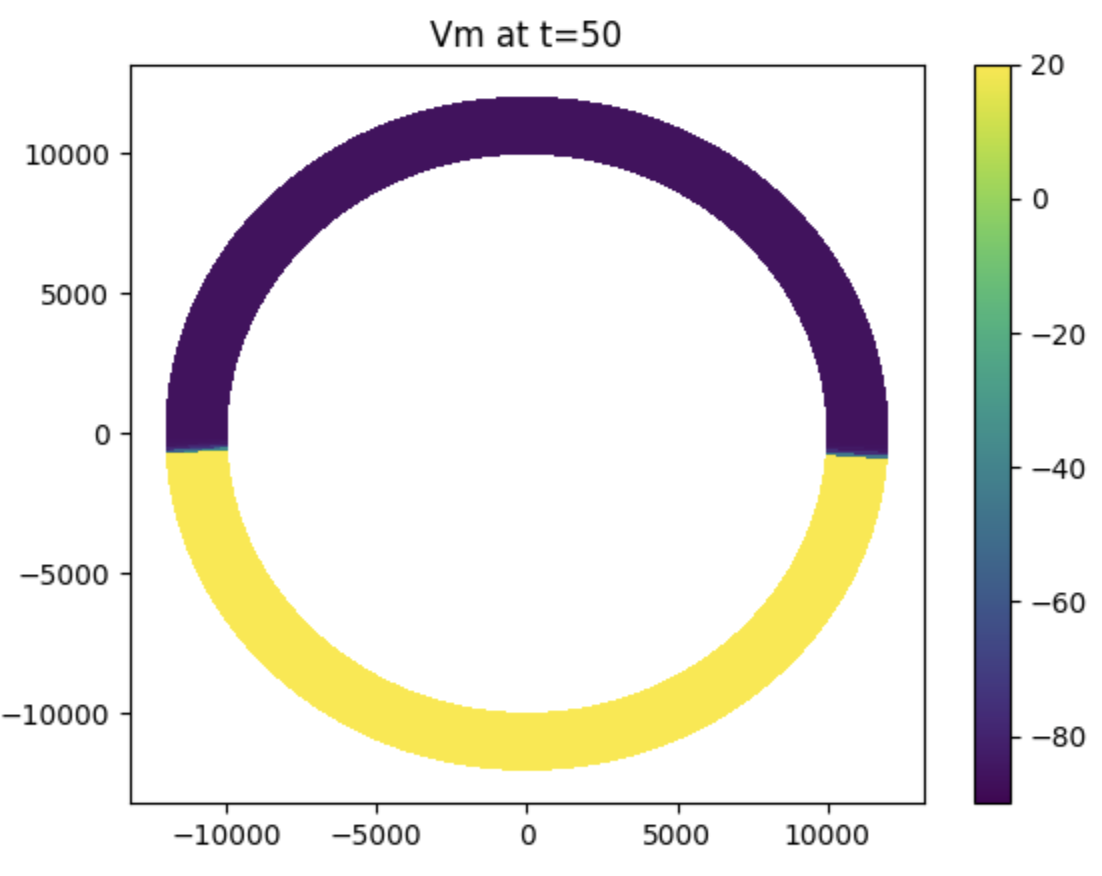
First steps on tissue level
Available commands and models, running simple model and visualize results.
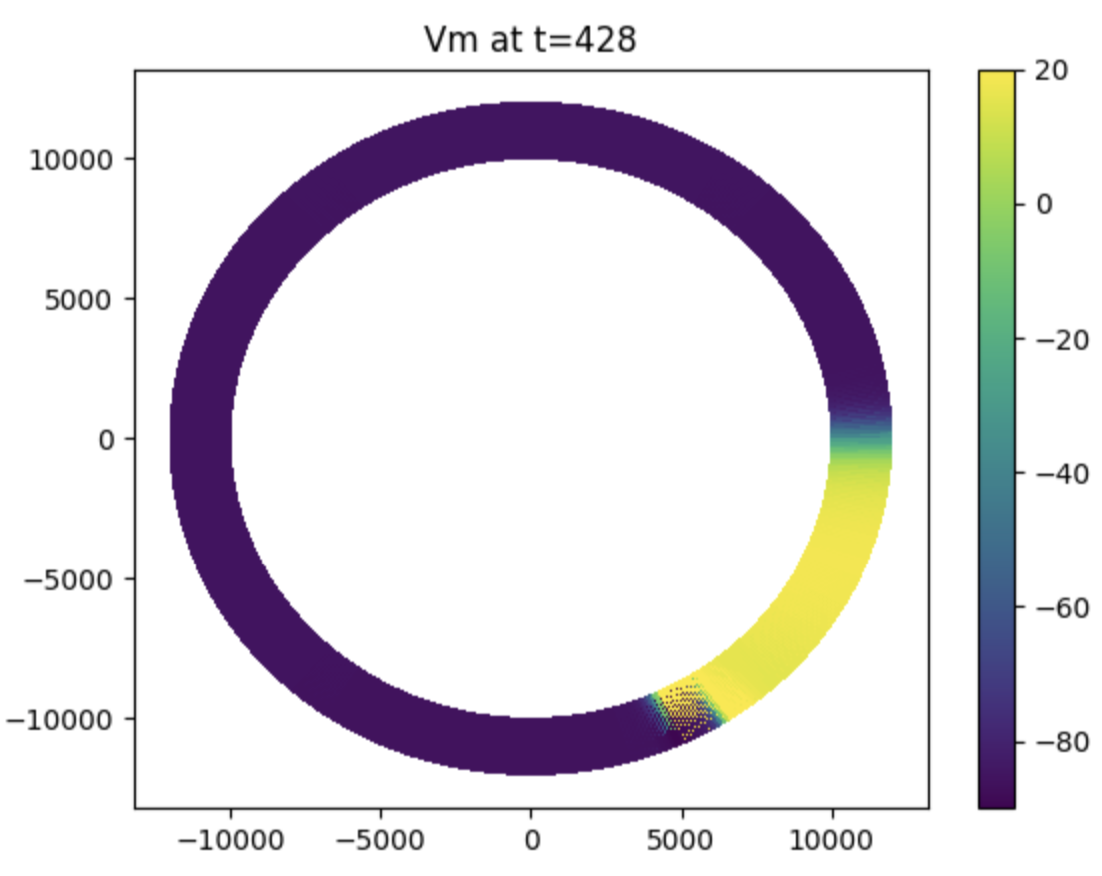
Stimuli and reentry
Adding another stimulus to generate a rotating wave in the ring model.
Adjust tissue level model parameters
Applying carputils-style execution and adjust model parameters to induce re-entry.
Eikonal Tutorials
This tutorial teaches the required parameters for running eikonal/reaction-eikonal/DREAM simulations in openCARP.
Overview page of onboarding tutorials
Instructions on how to work with the JupyterLab tutorials.

DREAM usage
Available commands and models, running a DREAM simulation with a simple pacing protocol.